Windows 10/11 · for Claude Code users
Agent Floor
Your AI agents go to the bar when you hit your usage limit.
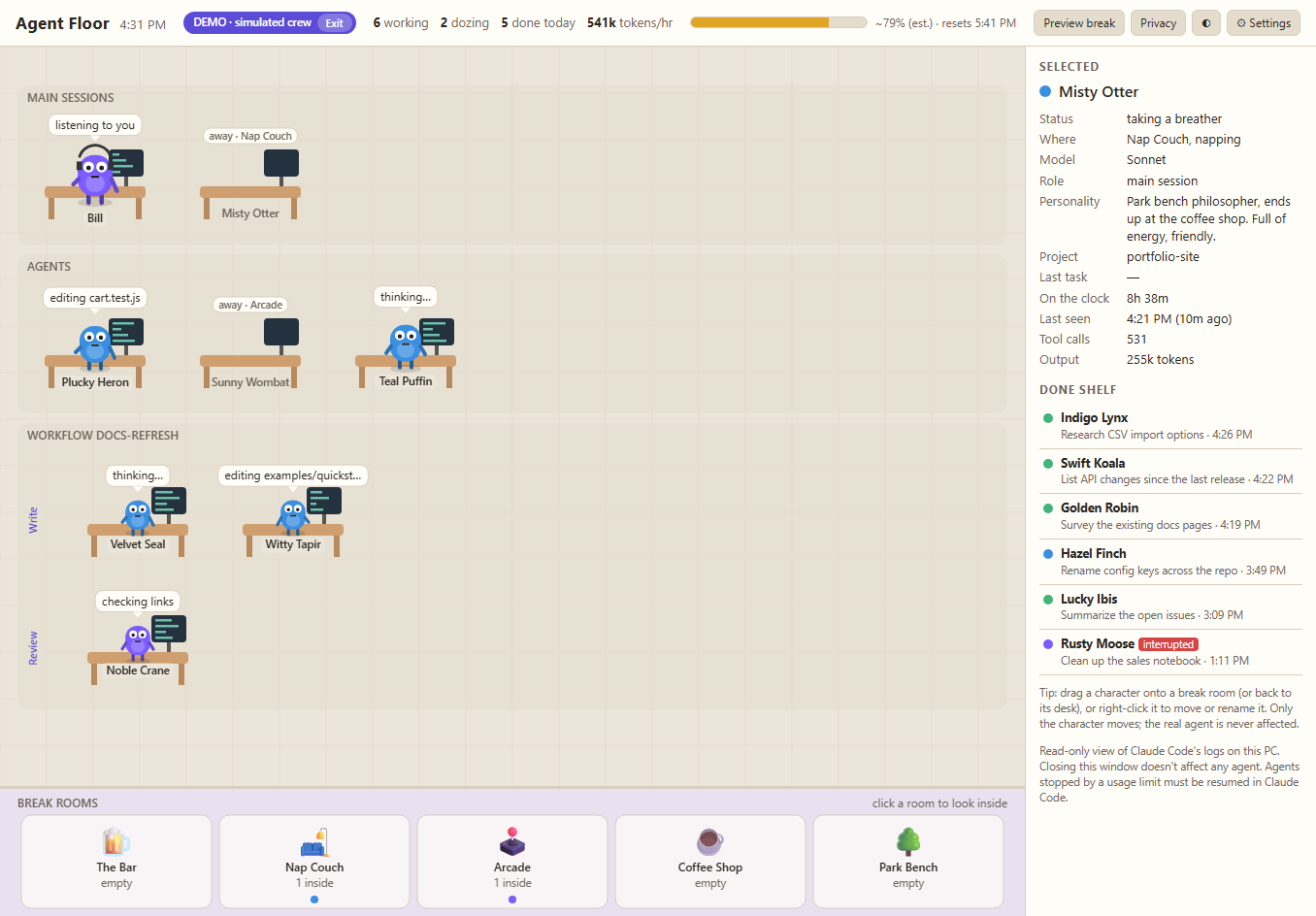
Agent Floor turns every Claude Code agent on your PC into a little character at a desk, with a speech bubble for what it's doing right now. Near the limit they start yawning. At the limit they clock out to the break rooms until the countdown hits zero.
Version 1.4.1 · launching soon · Windows installer or portable zip · demo mode built in
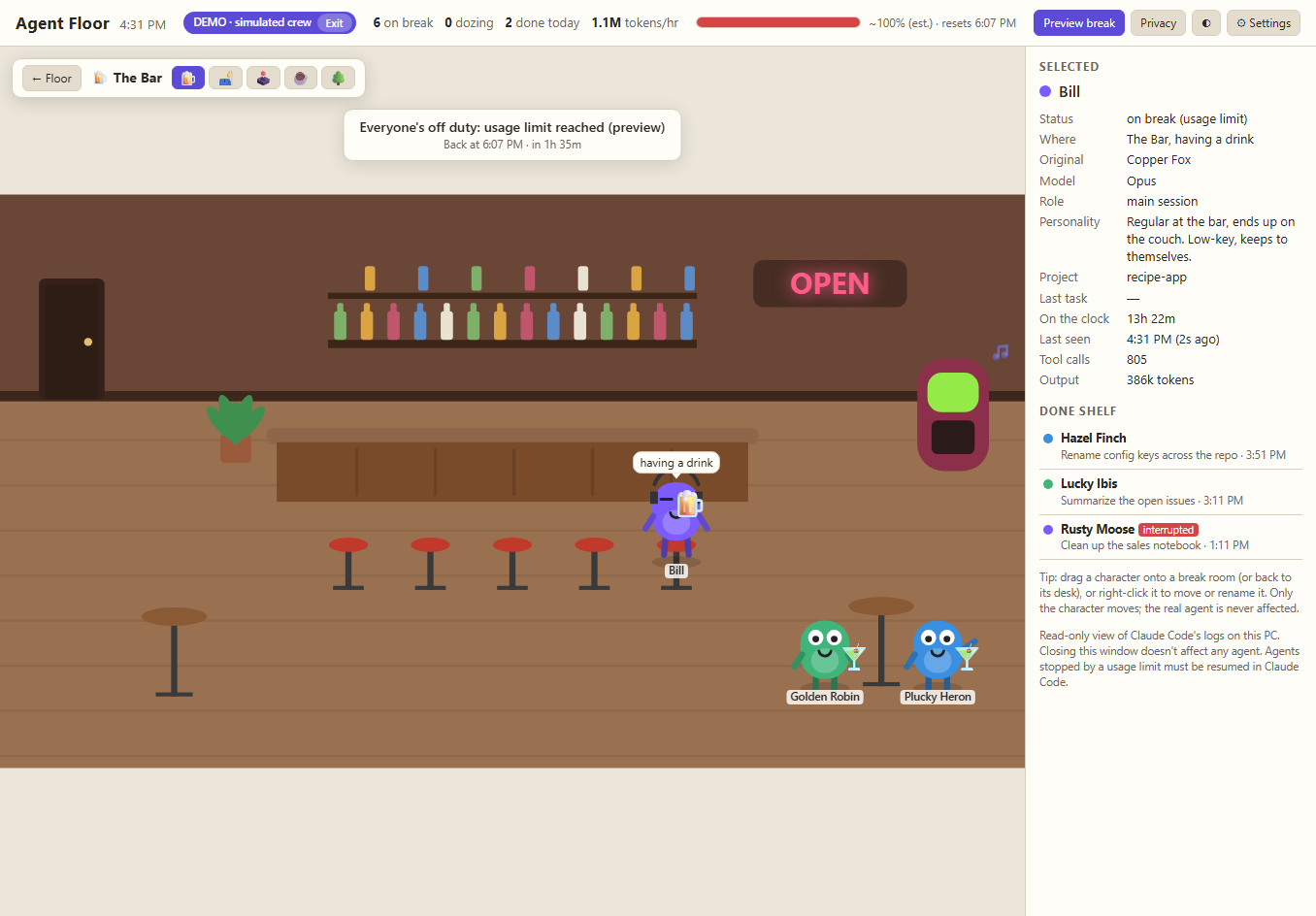
When the limit hits
A usage limit you can actually see coming
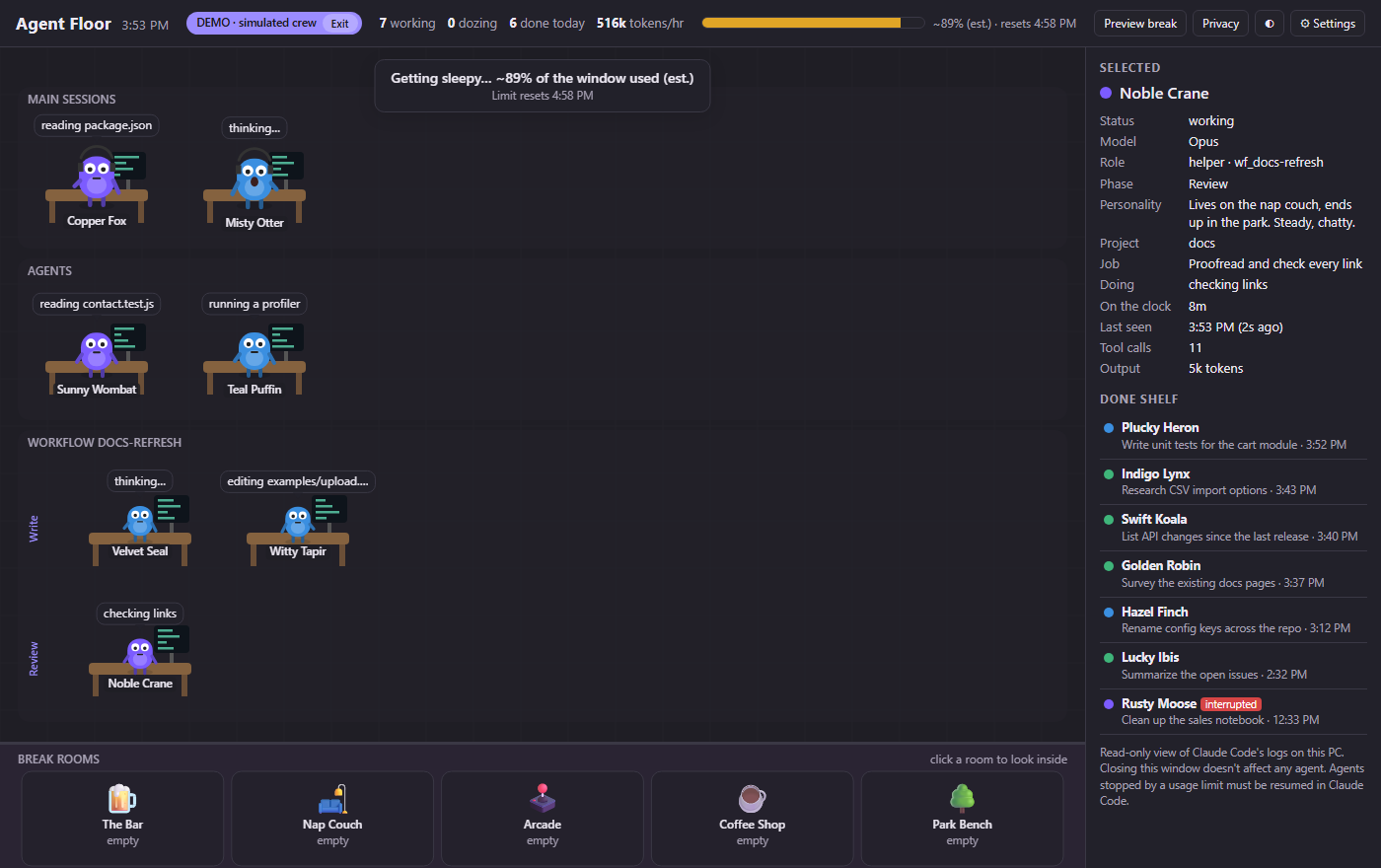
~85%They get sleepy
The estimated usage meter climbs through your five-hour window. Near the top, the crew starts yawning, and you can get a notification.
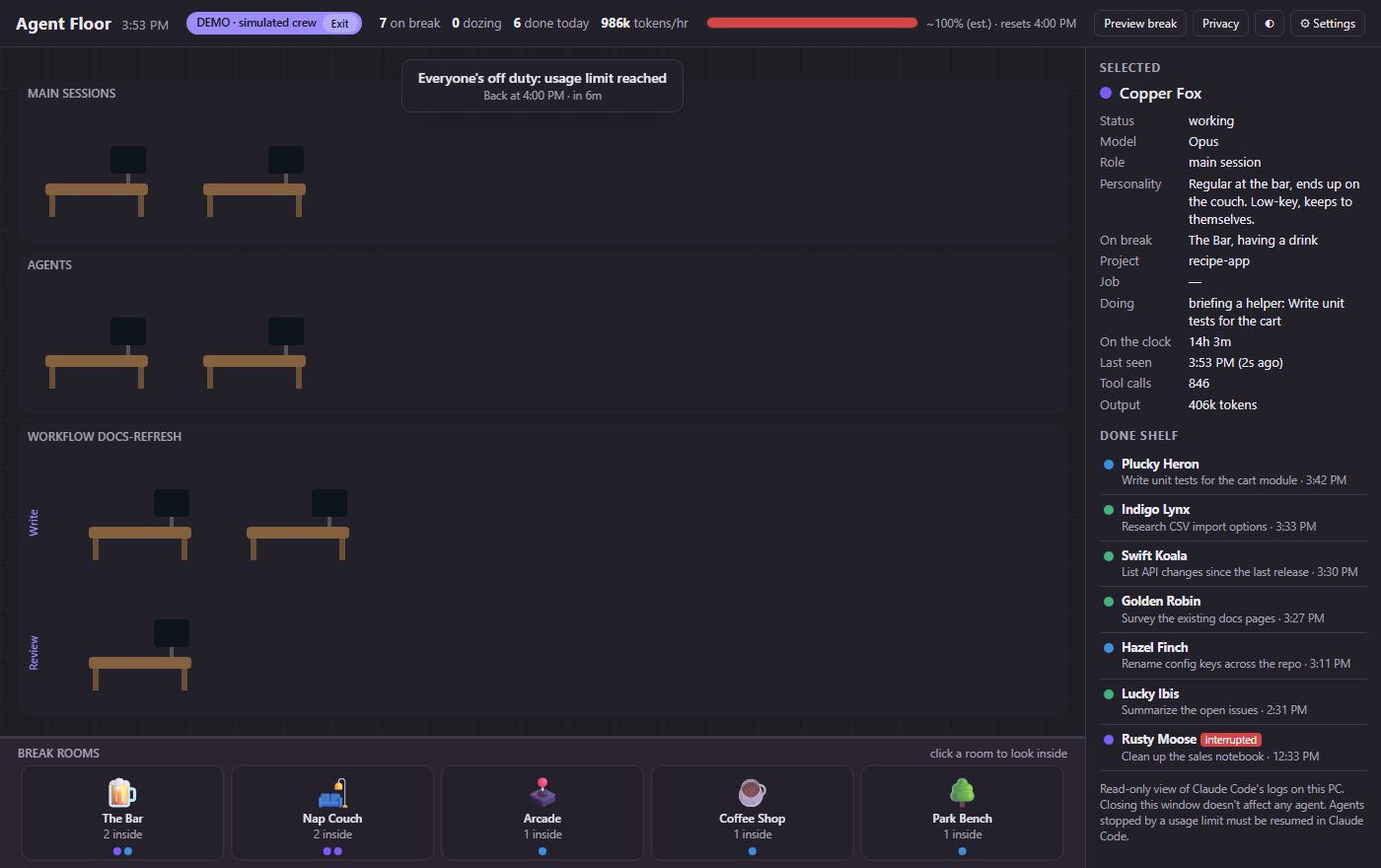
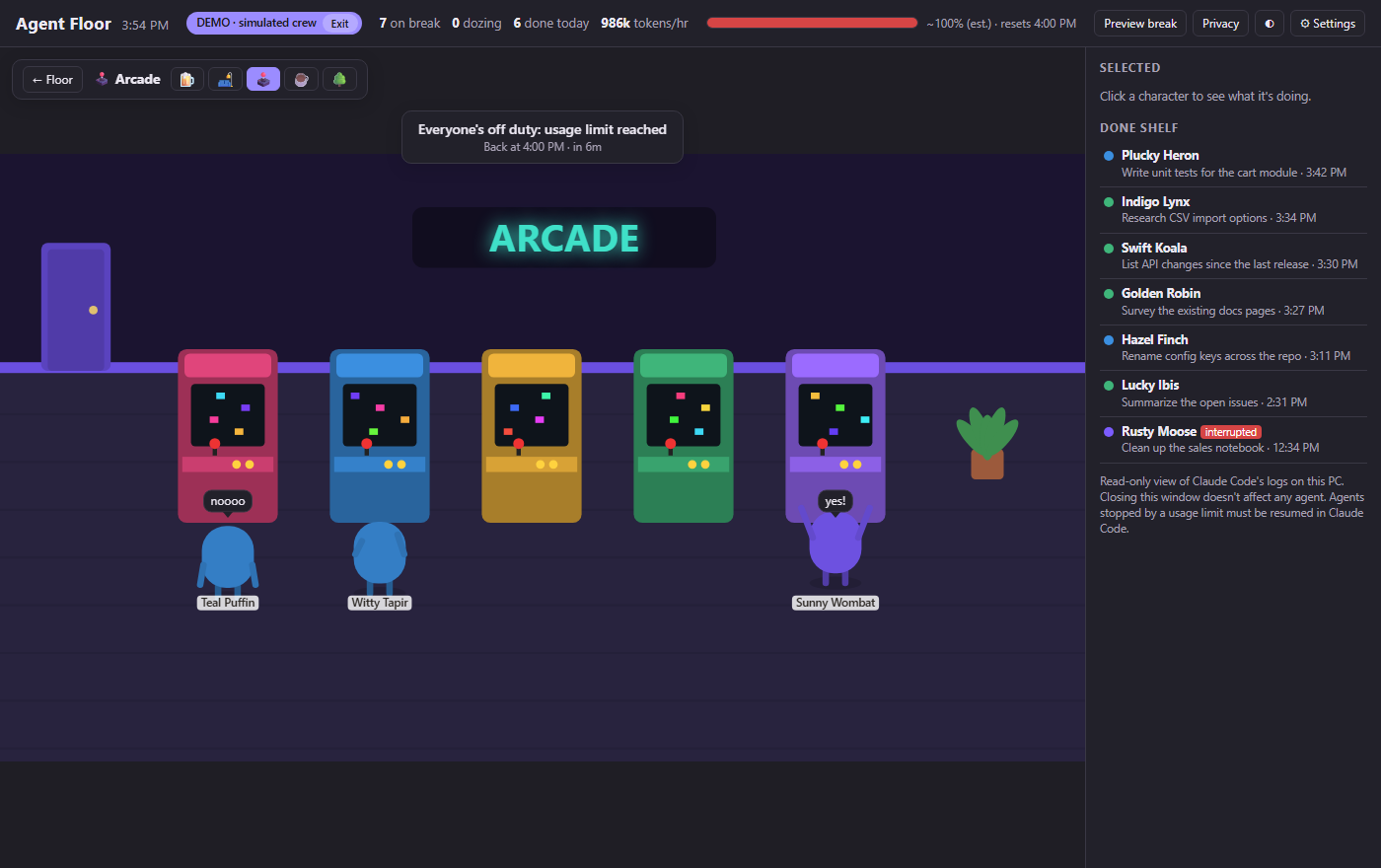
100%Everyone clocks out
Agents head to the bar, the arcade, the coffee shop, the nap couch or the park, each by its own personality, with a countdown to the reset. Click into any room to watch.
ResetBack to work
When the window resets they walk back to their desks. Agents the limit actually stopped come back tagged needs resume, so you know which to pick up in Claude Code.
Features
Who's doing what, at a glance
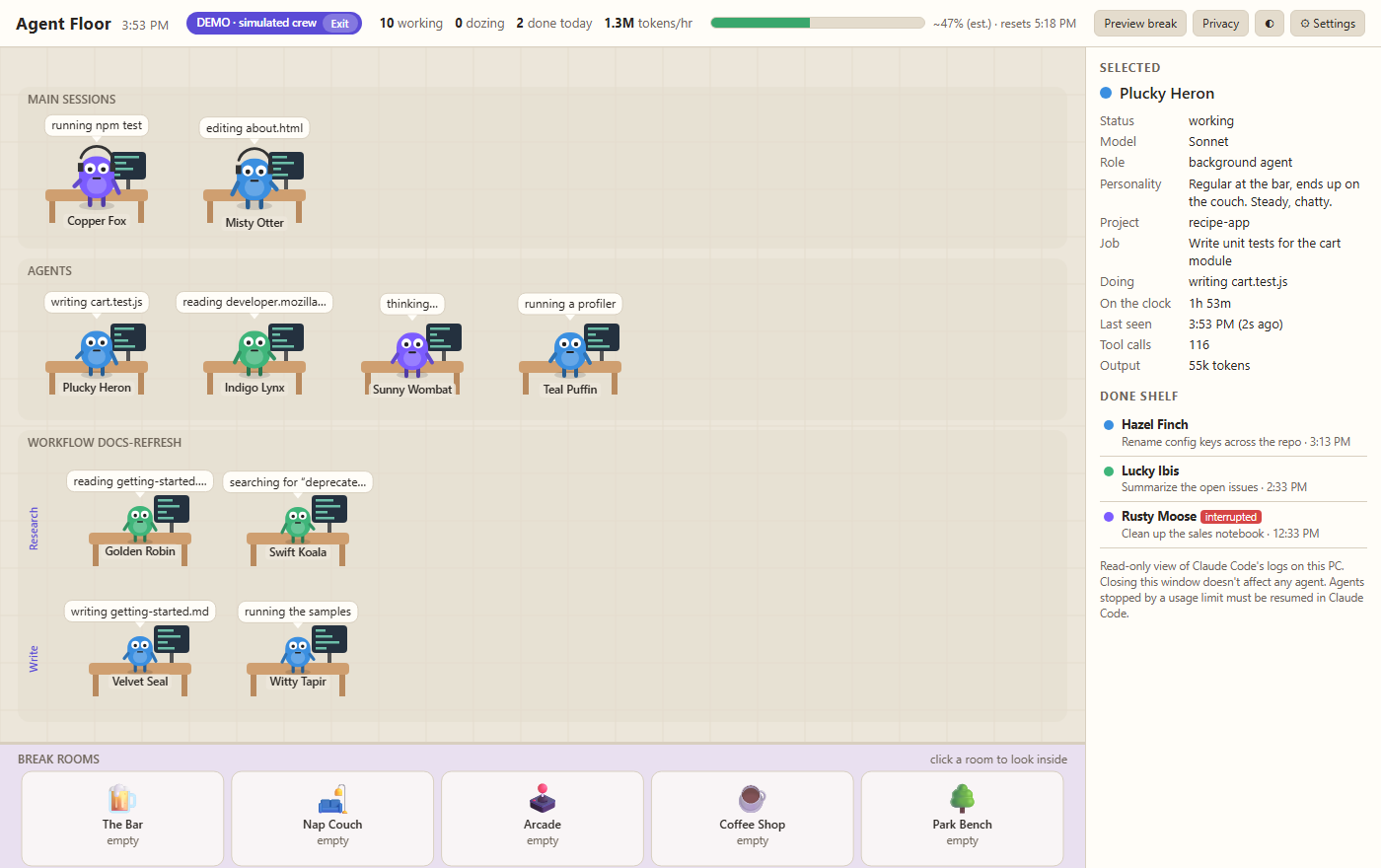
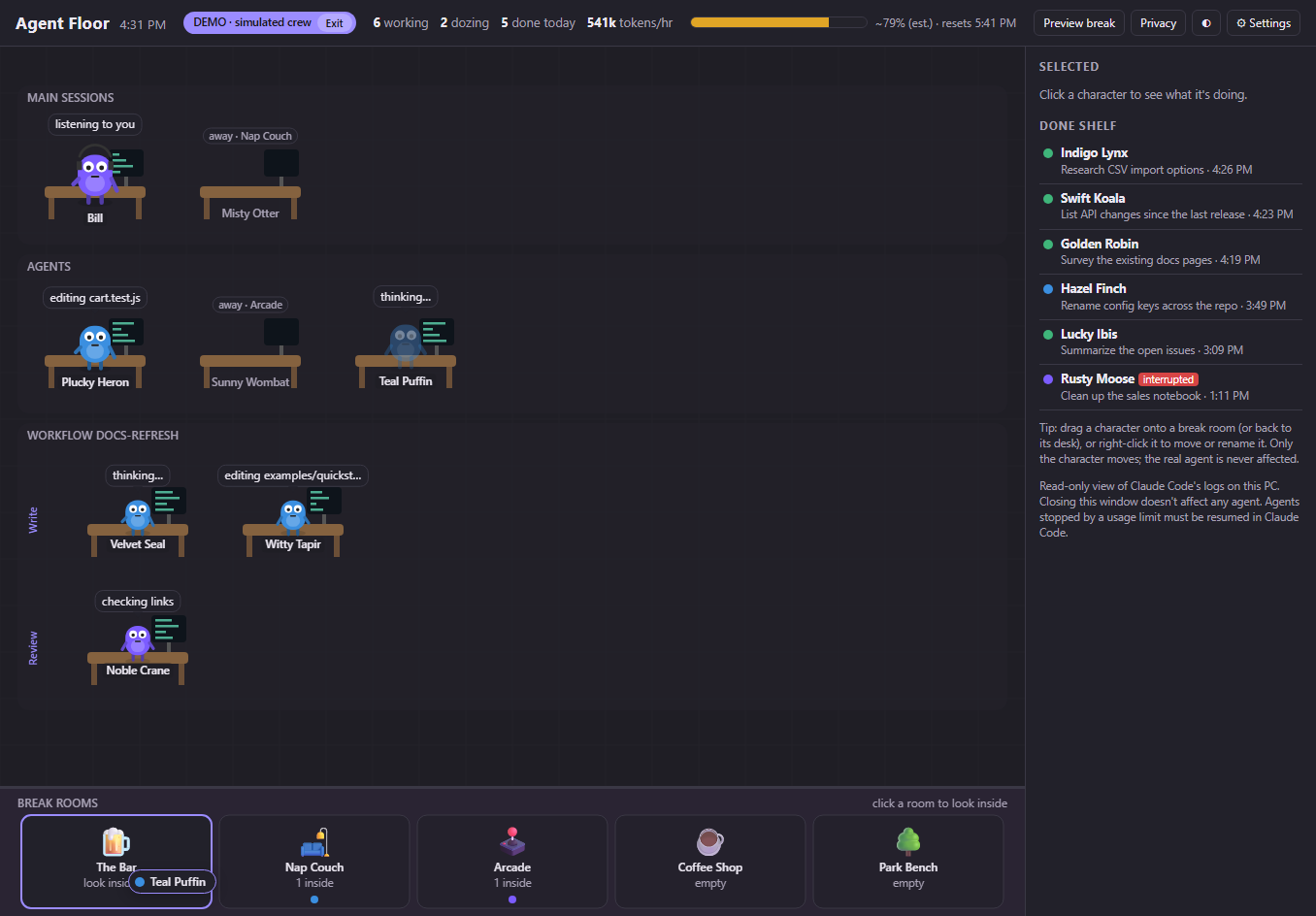
A live floor of every agent
Main sessions, background agents and workflow teams with phase lanes. Each agent keeps a permanent name and is coloured by model.
Speech bubbles you can trust
Each bubble shows a short, safe summary of the latest step: file names and web domains, never file contents.
Details on click
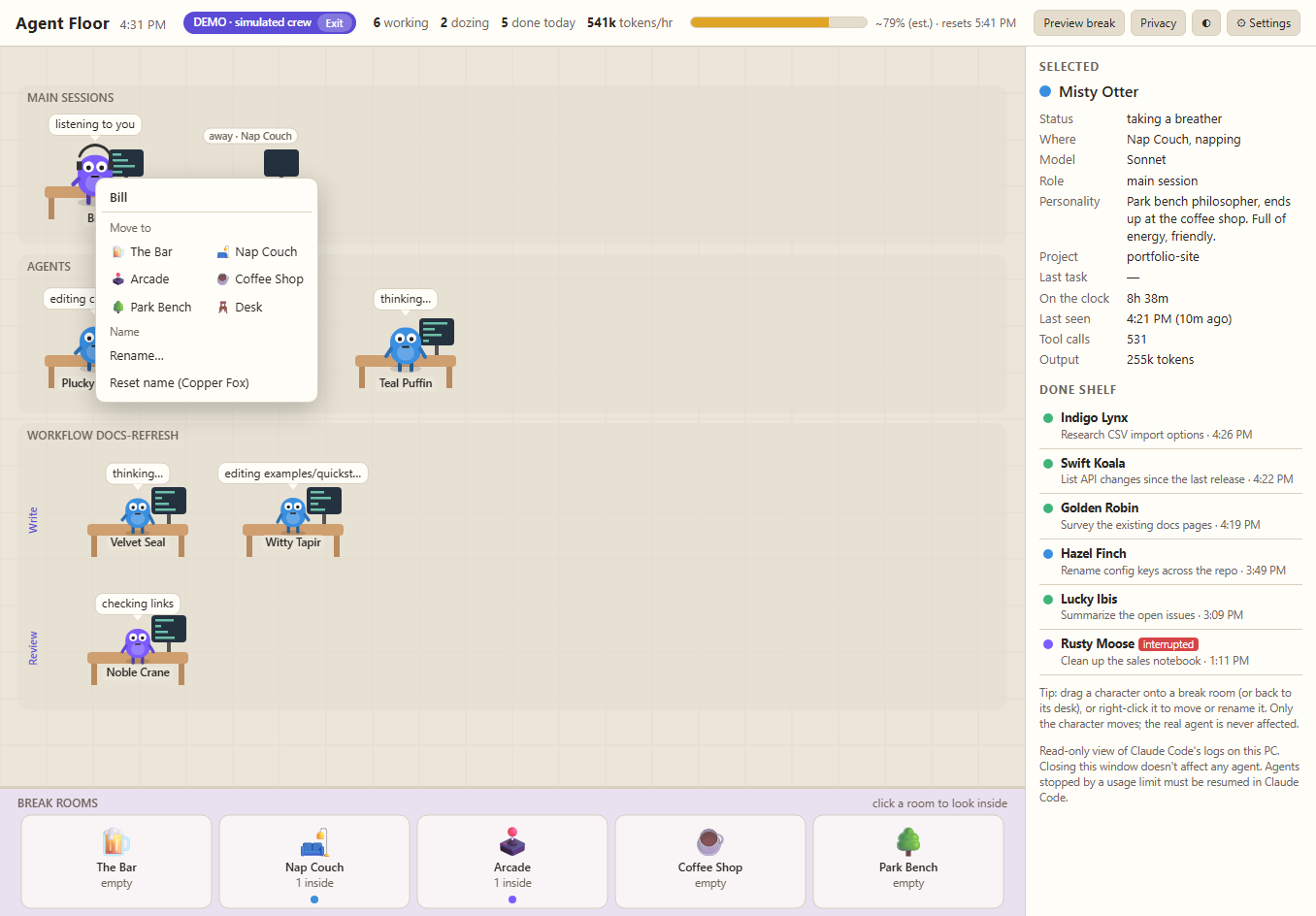
Model, role, job, time on the clock, tool calls and output tokens. Finished agents walk off to the Done shelf; interrupted, error and needs-resume tags are clear.
An honest usage meter
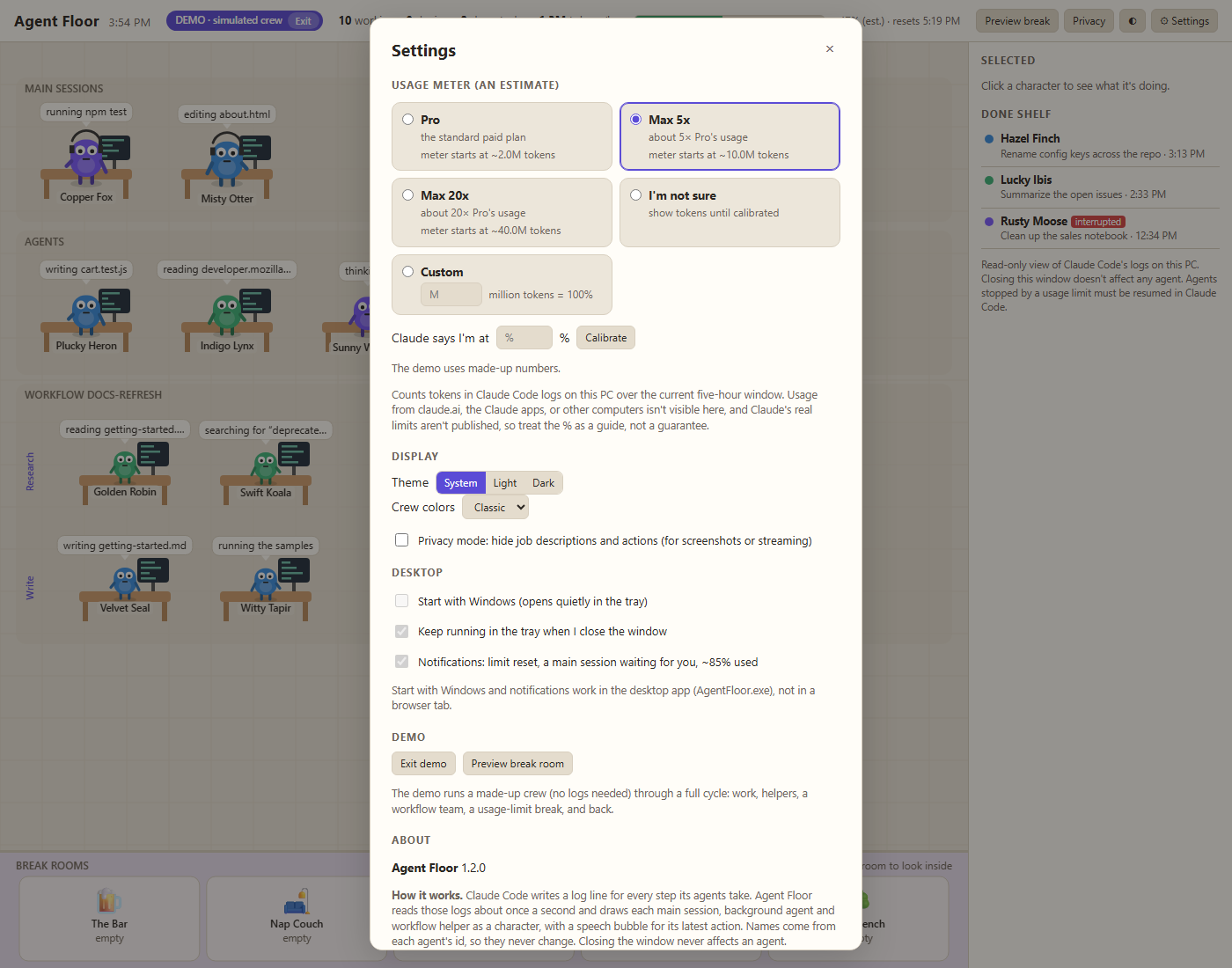
Estimates how much of the five-hour window you've used, starting from the plan you pick and calibrating itself from your limit hits or a reading you type in.
Personalities and breathers
Every agent has a stable favourite room and energy level. Idle agents take a breather and walk straight back when they get busy.
Drag, drop and rename
Send an idle character to a break room or rename it with a right-click. It's only the cartoon: the real agent is never paused or affected.
Quiet in the tray
Close the window and it keeps watching from the system tray at about 1% of one CPU core. Optional Start with Windows, no admin rights.
Notifications that matter
When your limit resets, when a main session is waiting for you, and at about 85% of the window. Each one can be turned off.
Privacy mode, light and dark
Hide job descriptions, actions and project names for screenshots or streaming. Switch between light and dark themes.
Try it before your first agent
A built-in demo with a simulated crew shows the whole cycle, including a limit break and the "(demo)" notifications.
Screenshots
Around the office
All screenshots are from the built-in demo. No real data.
Privacy
It only reads logs already on your PC
Agent Floor makes no network connections unless you turn on update checks; the check downloads a small version file and sends nothing about you or your PC.
- Reads Claude Code's local logs (
%USERPROFILE%\.claude\projects) and never writes to them or talks to Claude Code. - No accounts and no telemetry. Its built-in viewer listens on 127.0.0.1 (your own machine) only.
- Shows tool inputs as short summaries, never file contents.
- Update checks are off by default and install only signed, checksum-verified updates after you click Update.
- Preferences are saved in
%APPDATA%\AgentFloor\settings.json.
System requirements
What you need
- Operating system
- Windows 10 or Windows 11, 64-bit
- Runtime
- Microsoft Edge WebView2 runtime (built into Windows 11 and current Windows 10)
- Claude Code
- Installed and used on the same PC, any plan
- Disk & permissions
- About 36 MB; no admin rights needed
Price
Buy once, keep it
Coming soon one-time purchase
Includes the per-user installer and a portable zip. Launching soon on Gumroad.
All sales final, except if it won't run on your PC: contact us within 14 days.
Questions
Good to know
- Can it slow down or break my agents?
- No. It only reads Claude Code's logs and never writes to them. Opening or closing Agent Floor never affects a running agent, and it can't resume a stopped one; you do that in Claude Code as usual.
- How accurate is the usage meter?
- It's an estimate. Your plan's limit isn't stored on your PC, so the meter starts from the plan you pick and fine-tunes itself when you hit a limit or type in the percentage Claude shows you. It can't see usage from claude.ai, the Claude apps or other computers. Treat it as a guide, not a guarantee.
- Windows warned me about the app. Is it safe?
- Until the app is code-signed, Windows SmartScreen may show "Windows protected your PC". Click More info, then Run anyway. On PCs with Smart App Control turned on, unsigned apps are blocked outright until a signed build is available.
- Mac or Linux?
- Not yet. Windows only for now.
Not affiliated with Anthropic. Agent Floor is an independent product, not affiliated with or endorsed by Anthropic. Claude and Claude Code are trademarks of their owner and are used only to describe compatibility. Use is subject to the Agent Floor licence agreement.